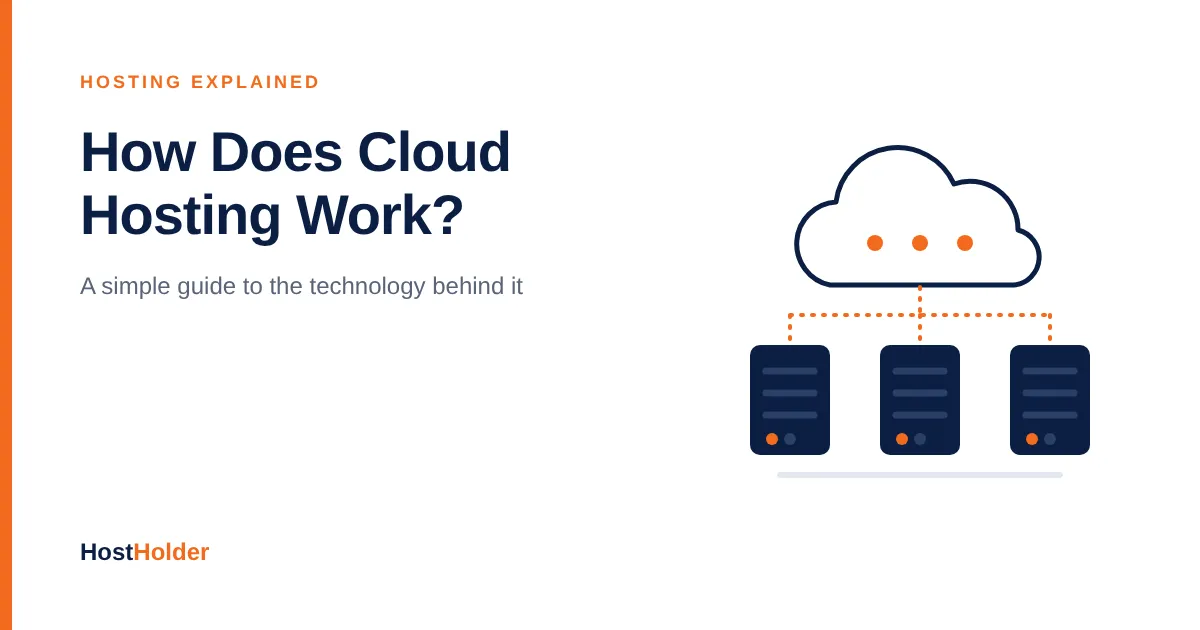
how does cloud hosting works?
You have probably heard the term “cloud hosting” many times. But what actually happens behind the scenes when a website is hosted “in the cloud”?
In this guide, we explain how cloud hosting works in simple terms, how it differs from traditional hosting, and whether it is the right choice for your website.
What Is Cloud Hosting?
Cloud hosting is a type of web hosting in which your website runs on a network of connected servers instead of a single physical server.
With traditional hosting, your website lives on one machine. If that machine has a problem, your website is affected. With cloud hosting, your website draws resources such as processing power, memory, and storage from a large pool of servers working together.
The “cloud” is not something in the sky. It is a group of real servers in data centers, connected and managed so that they behave like one flexible system.
How Does Cloud Hosting Work?
Cloud hosting relies on a few key technologies working together.
1. A Network of Physical Servers
Cloud providers run many physical servers in data centers. These servers are connected through high-speed networks and share their computing power.
2. Virtualization
Using software called a hypervisor, each physical server is divided into multiple virtual servers. Each virtual server has its own operating system and resources, even though it shares physical hardware with others.
Your website runs on one or more of these virtual servers.
3. A Shared Resource Pool
The CPU, RAM, and storage of all the connected servers are combined into a large resource pool. When your website needs more power, it can draw more resources from this pool.
4. Distributed Storage
Website files and data are often stored across multiple storage devices or servers. If one storage device fails, copies of your data remain available elsewhere.
5. Load Balancing
A load balancer spreads incoming visitor traffic across available servers. This prevents any single server from becoming overloaded and keeps your website responsive.
6. Automatic Failover
If a physical server fails, your virtual server can be moved or restarted on another healthy server. In many setups, this happens automatically, which greatly reduces downtime.
A Simple Example
Imagine your online store suddenly receives a large number of visitors during a sale:
Visitors arrive at your website.
The load balancer distributes requests across the available servers.
If traffic keeps rising, the cloud platform can allocate more CPU and RAM from the resource pool.
If one server develops a problem, your site continues running on another server.
When the sale ends, resources can be scaled back down.
To your visitors, the website simply stays fast and available.
Benefits of Cloud Hosting
Scalability: Increase or decrease resources as your traffic changes, often without moving your website.
High availability: With no single point of failure, hardware problems are less likely to take your website offline.
Performance: Load balancing and dedicated virtual resources help keep websites fast under pressure.
Flexible pricing: Many cloud plans let you pay for the resources you actually use.
Data protection: Distributed storage reduces the risk of data loss from a single hardware failure.
Cloud Hosting vs Traditional Hosting
Feature | Traditional Hosting | Cloud Hosting |
|---|---|---|
Infrastructure | One physical server | Network of connected servers |
Scalability | Limited by one server | Resources can be added as needed |
Hardware failure | Can take the site offline | Workload moves to other servers |
Traffic spikes | Can slow down the site | Handled through load balancing and scaling |
Pricing | Fixed plans | Fixed or usage-based |
Best for | Small, steady-traffic websites | Growing and high-traffic websites |
Is Cloud Hosting Right for You?
Cloud hosting is a strong choice if you:
Run a growing business website or online store
Expect traffic spikes from campaigns or seasonal sales
Need your website to stay online with minimal downtime
Want the flexibility to scale resources over time
For small blogs, portfolios, and new websites with steady traffic, a reliable shared hosting plan is often the more affordable starting point. You can move to cloud hosting as your website grows.
Final Thoughts
Cloud hosting works by combining many servers into one flexible system. Through virtualization, shared resource pools, load balancing, and automatic failover, it keeps websites fast, scalable, and available.
Whether you are just starting or planning for growth, choosing the right hosting today makes it easier to scale tomorrow.
Looking for reliable hosting for your website? Visit HostHolder.com to explore hosting plans with free SSL, NVMe storage, and local support.